Take Control of your Window Cleaning Business with Gluggy.

Gluggy Cleaning Manager puts you in control of your Window Cleaning business. See at a glance your jobs for today, overdue jobs, money owed and current days earnings.

Categorise jobs as Domestic or Commercial, assign them to a Round, and automatically set jobs to repeat at whatever interval the customer needs.

Collect payments on the fly when customers are in, or mark jobs as paid when customers send payments later.


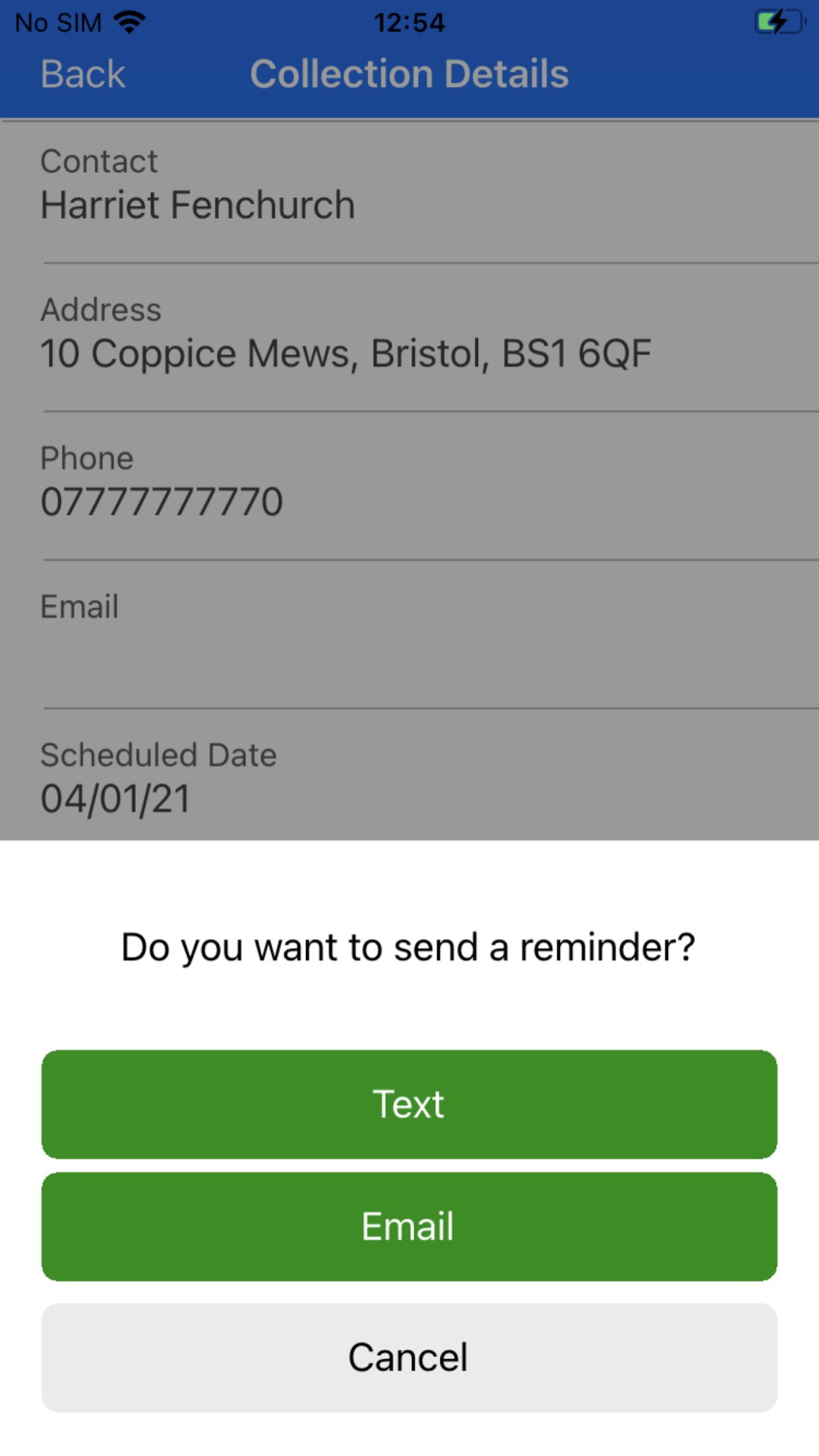
Send ‘Job Completed’ messages and ‘Payment Reminder’ messages directly from your phone using automatic text or email messages.
Specifically designed for Sole Traders, Gluggy gives you the tools you need to setup and run your Window Cleaning business.
Check out these key features:
- No Annual or Monthly subscription required.
- No internet or mobile data required unless sending text or email messages.
- All app data is stored on your phone.
- Dashboard
- See at a glance a summary of Todays Jobs, Overdue jobs, the Todays Earnings gauges and Money owed.
- Tap Todays Jobs to see and work todays jobs
- Tap Overdue Jobs to see and work the Overdue jobs
- Tap Money Owed to see and updated your unpaid jobs.
- Job Manager:
- View Todays Jobs, Overdue Jobs, All Jobs, Tomorrows Jobs, This Weeks Jobs, Next Weeks Jobs, This Months Jobs or Next Months Jobs using the simple Job filter.
- Add a new Customer and their Job in a single step.
- Schedule Jobs to automatically repeat by a number of Weeks, Months or Years
- Setup one-off (non recurring) Jobs for special or one-time-only cleans
- Create new rounds simply by entering a new Round name, or select from your existing Rounds
- Edit a Job and update the Scheduled Clean Date, Job Type, Clean Type, Round, Price or Notes.
- Mark a Job as Completed or Skipped and retain your automatic cleaning schedule for the next Job.
- Mark a Job as Paid or Not Paid and receive payments
- Send a Cleaning Completed message via Text or Email
- Collections Manager
- View a list of all unpaid jobs with amounts owing
- Quick Search through the unpaid jobs list by customer name, address or phone number
- Receive payments against unpaid jobs and mark the Job as Paid.
- Send Payment Reminder messages via Text or Email
- Customer Manager
- View a list of all your customers
- Quick Search through the customer list by customer name, address or phone number
- View customer details
- Edit a customers contact details
- View all the Job history for a customer
- Add a new job for a customer
- Edit a customer Jobs
- Delete individual jobs if required
- Delete a customer and all their jobs to remove them completely
- More
- Use Euros or Dollars? Change the currency for the app in Gluggy Regional Settings.
- Select your preferred date format (dd/mm/yyyy or mm/dd/yyyy) in Gluggy Regional Settings.
- Set the bank account you want customers to make payments to in Gluggy Bank Account settings
- View your current months activity with the Month To Date report.
- View your current years activity with the Year To Date report.
- Backup your Gluggy data to your iPhone with the built in backup tool and keep up to 5 backup files available for instant restore.
- Restore any of your backup files instantly if required.
Available on the Apple App Store.